

Managed to get Dishonored 2 working at more than it's native 120hz tick! same concept as the Prey fix (I actually worked on this one first, but didn't implement the world interpolation stuff up till I had already done it for Prey).
I'll retain the explanation in here too; the approach is:
decouple game logic from rendering (this could simply mean multiple display, or 'presentation' frames for each real logic frame) in this case the game already does this by itself (has a fixed 120hz tick)
interpolate all world positions, rotations & animations in non-logic frames towards the next logic frame
add a per-frame mouse delta override to restore mouse input latency to 240hz/whateverhz levels
In the case of Dishonored 2, I had to implement prediction logic too; this one was slightly different because the game suffers from an uneven alignment with the native game tick (120hz) at less than 120hz framerates which are not multiple of said refresh rate, e.g 80hz would look bad because it doesn't properly align to 120hz like 60hz does; the problem was especially pronounced at the (GAME OFFICIAL) 105fps cap which produced a shitty juddery motion that made me want to carve my eyes out:
Now with the patch installed, from my experience at least, when framerate is stable the image is smooth independently of the display fps of the game (if you can call stable 20fps smooth but whatever still better than the judder present before).
Another thing the patch does is make the mouse sensitivity independent of the framerate; before i would to a 180 turn and I could sense that the sens was definitely going higher -> lower and it was very jarring (it still seems to have a slight issue when framerate drops a lot, sens seem to go up instead of down, I'll have to fix this too).
Some fun images while I was working on the fix:
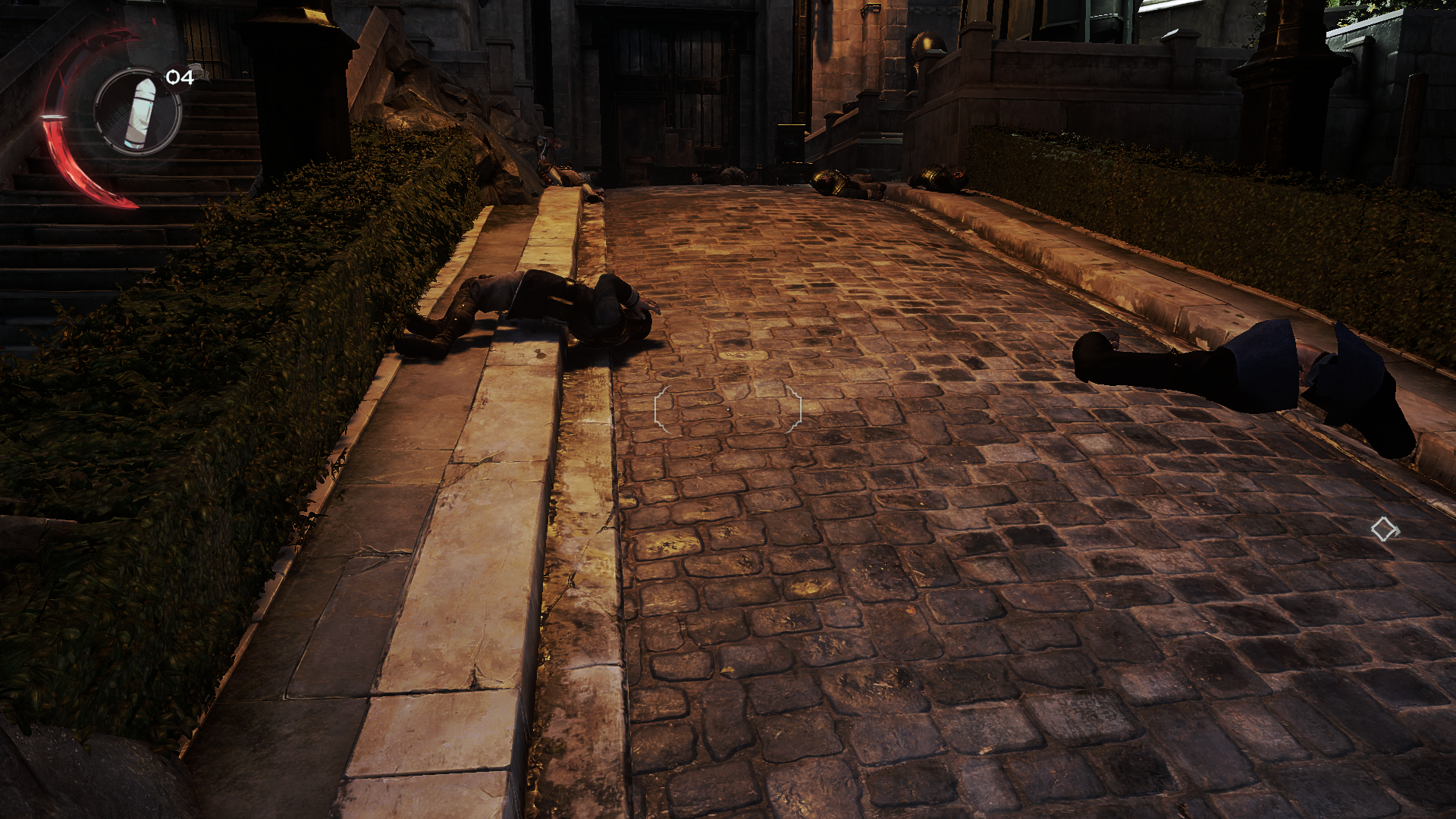
There's either a quirk with the game or an issue with the patch in which when the framerate drops considerably (e.g from 300 to 150) for example like while looking at the port in the first level, I can subjectively sense that the framerate is not stable, so I birthed this abomination for the LLM to try making it better understand what I was seeing:
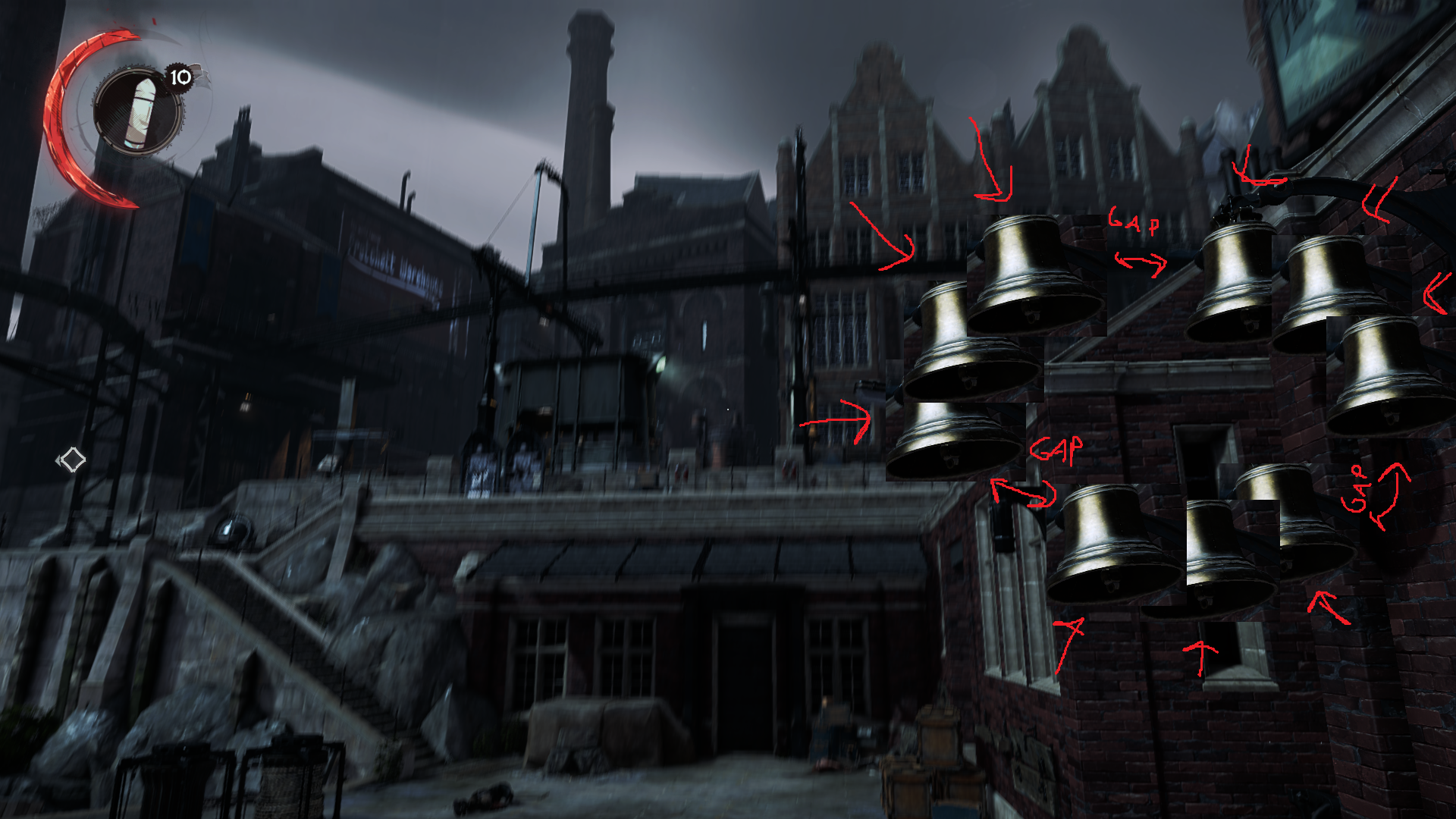
So at a minimum it still requires testing and possibly placing some more logging probes around to see what's happening. I'll update the post if something changes.
After testing the performance side for a while, I noticed that the mod has a pretty decent performance overhead over the base game's performance; in the worst case it can get as high as 20%; because of this I let the AI implement a system that progressively disables interp features the closer you are to the upper bound of 120hz (starting from like 140-ish), since it would be useless to interpolate animations at less than 120hz, you would just be consuming cycles and having lower fps uselessly.
Dishonored 2 FPS FixView fix → See ya.